Black & White Converter

Make any image black and white instantly—no uploads, accounts, or watermarks.

Upload Image

Drop or click to upload

Supports PNG, JPG, JPEG, WebP, GIF, HEIC, HEIF, AVIF, BMP.

Supported formats: .png · .jpg · .jpeg · .webp · .gif · .heic · .heif · .avif · .bmp

Black & White Preview

Convert an image to preview the black and white result.
phdaily

Black and White Converter - Make Any Image Black & White Online

Use our browser-based black and white converter to make image black and white without uploads.
Convert photos, design assets, and screenshots to grayscale in seconds while every pixel stays on your device.

from 99+ happy users

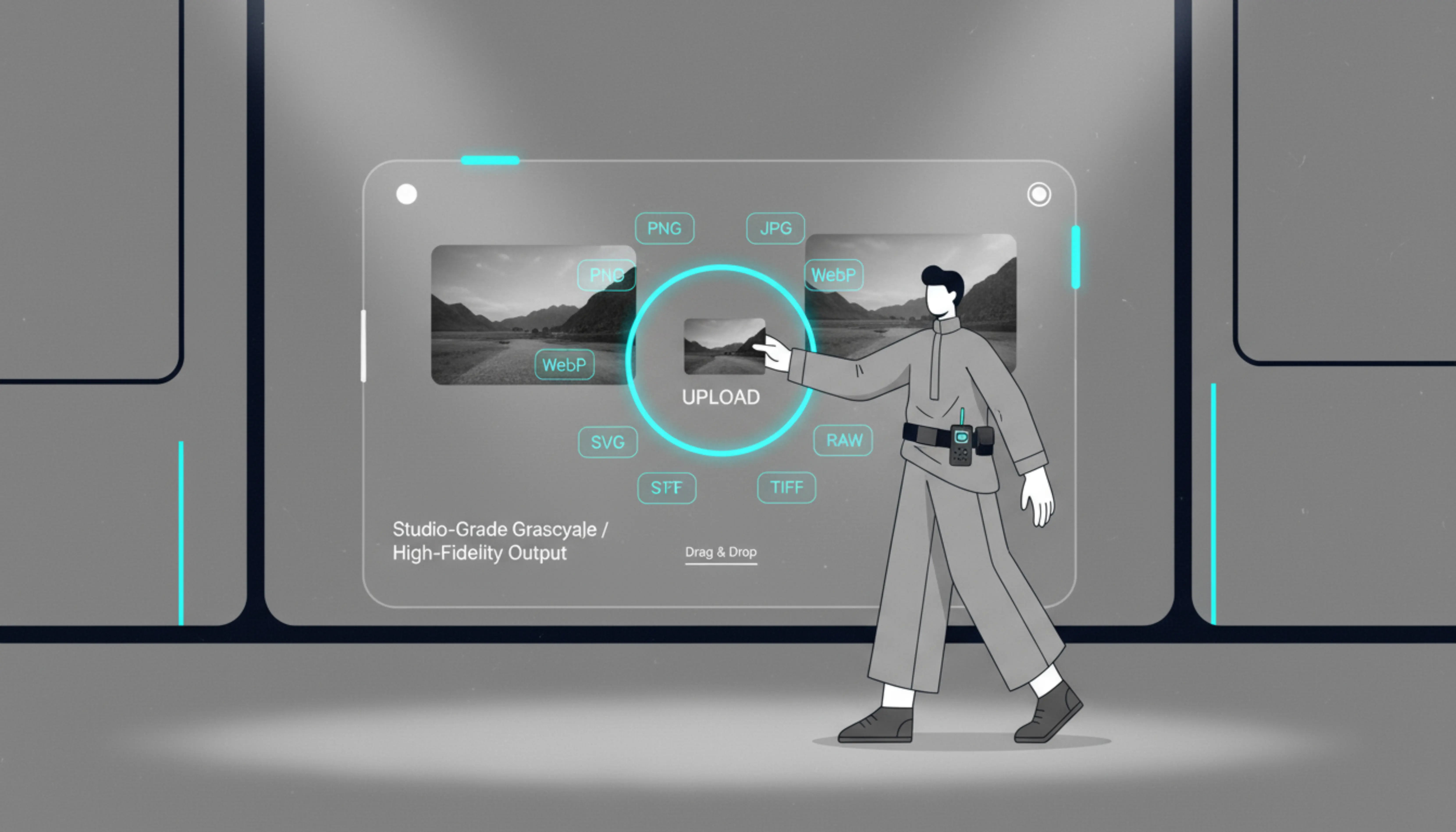
Black and white converter interface overview

What is the Black & White Converter?

Our black and white image converter turns any picture grayscale directly in your browser, giving marketers, photographers, and QA teams a safe way to test contrast or prep assets.

  • Private & Local
    Every make photo black and white action runs in-memory, so confidential UI mocks and product shots never leave your laptop.
  • Studio-Grade Grayscale
    The engine protects highlights, midtones, and shadows, producing a natural black and white filter without banding.
  • Format-Friendly
    Drop PNG, JPG, WebP, HEIC, AVIF, or transparent layers to convert image to black and white and keep alpha channels intact.
Benefits

Why Creators Choose This Black & White Converter

Deliver reliable grayscale exports without desktop software or risky uploads, and pair it with our Color Inverter guide for full contrast reviews.

Smart luminance mapping keeps logos, UI icons, and product textures readable when you make image black and white.

Black and white converter interface highlighting consistent contrast
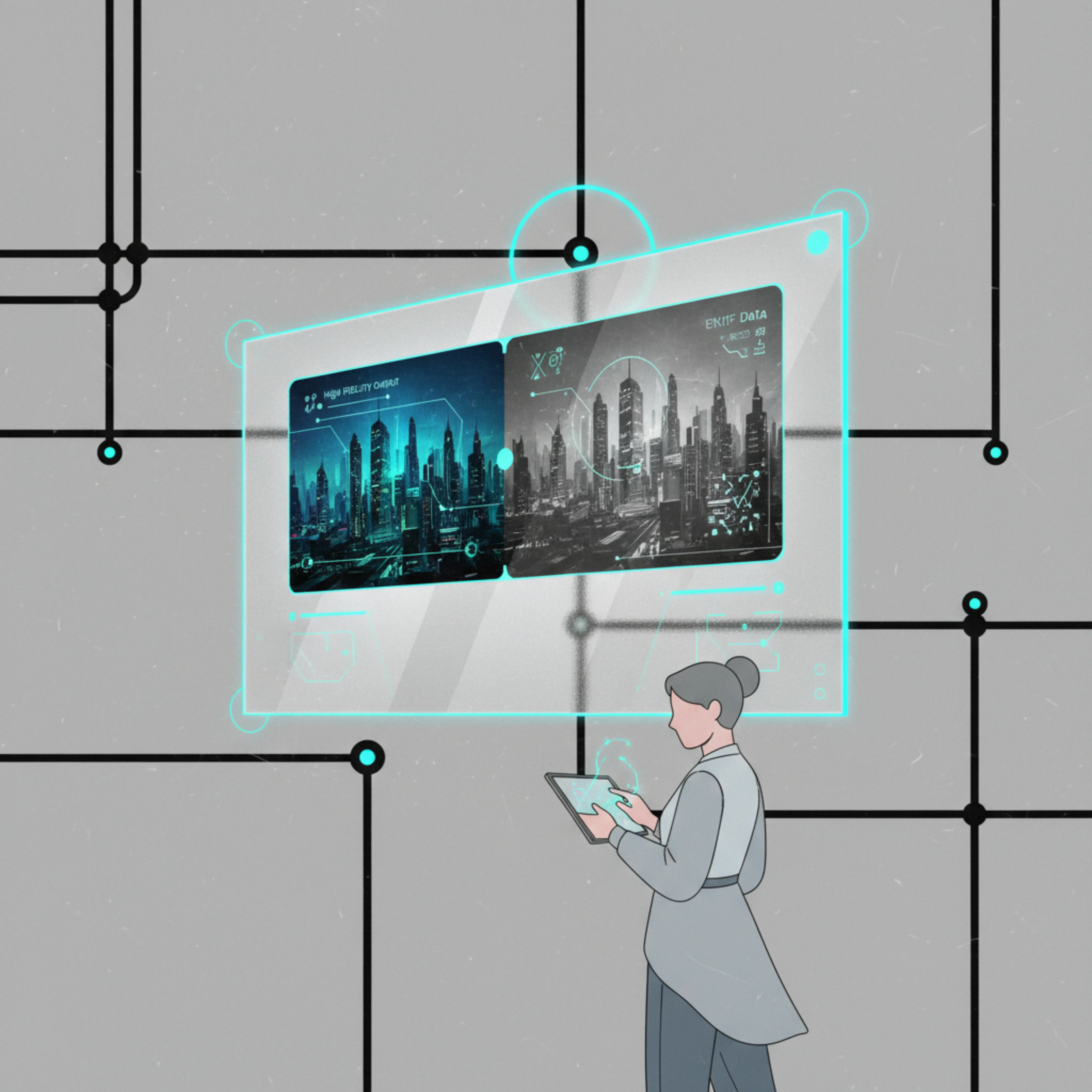
Before and after grayscale comparison for marketing images
Accessibility review board for grayscale testing

How to Convert an Image to Black and White

Complete a private conversion in under a minute:

Use Cases

Black & White Converter Use Cases for Online Creators

Online image tool users rely on this workflow to prep assets, validate contrast, and keep sensitive files private.

Content & Social Teams

Plan monochrome posts, testimonials, and hero visuals without waiting on a designer.

  • Campaign-ready assets

    Make image black and white to match editorial themes or seasonal aesthetics, then queue the files in your scheduler.

  • Faster collaboration

    Share before/after links inside Notion, Slack, or your DAM so stakeholders approve visuals faster.

Photographers & Archivists

Convert film scans, proofs, or archival material to a timeless black and white filter right in the browser.

  • Scan-to-edit speed

    Reverse negatives or build contact sheets without RAW uploads, keeping grain detail and DPI intact.

  • Client-ready delivery

    Send high-resolution, watermark-free previews that buyers and curators can review immediately.

Product QA & Accessibility Leads

Validate grayscale legibility, high-contrast states, and compliance docs alongside the WCAG contrast reference.

  • Document evidence faster

    Attach image to black and white comparisons to Jira or Linear issues so engineers see contrast gaps instantly.

  • Secure enterprise reviews

    Run audits on VPN-restricted devices knowing nothing leaves the browser session.

Comparison

Black & White Converter vs Photoshop vs Mobile Filters

See how our black and white image converter stacks up against heavyweight editors and upload-based apps.

Evaluation AreaBlack & White ConverterPhotoshop & Desktop SuitesGeneric Online Tools & Apps

Setup and Time-to-Result

Measure how quickly you can create a black and white version when deadlines are tight.

Instant browser workflow

Open the page, drop a file, and convert image to black and white in under thirty seconds with zero installs.

Software overhead

Requires licenses, local installs, and heavy project files before you can apply a black and white adjustment layer.

Upload queues

Most upload-based apps throttle files, queue processing, or downsample assets before letting you download a black and white result.

Privacy & Security

Understand what happens to your pixels when you make photos black and white online.

Local-first processing

All black and white conversion happens inside your browser memory, so sensitive UI mocks and scans never leave the device.

Device-level control

Runs locally, but licenses, shared machines, and sync tools add security policies your team must maintain.

Server uploads

Requires sending assets to third-party servers, often without clarity on retention policies or reviewers.

Cost & Maintenance

Evaluate the ongoing investment required to keep each option available.

Free and lightweight

Use it from any browser without subscriptions, installs, or IT tickets.

License commitments

Requires ongoing subscription costs, device provisioning, and end-user training for every seat.

Hidden trade-offs

Watermarks, ads, or throttled processing push teams toward paid tiers that still upload your files elsewhere.

Key Features of the Black & White Image Converter

Everything you need to convert image to black and white with confidence.

True Grayscale Engine

The WebGL + WebAssembly engine keeps tonal ranges accurate when you make image black and white.

Instant Black & White Filter

One click applies a balanced filter with zero noise, watermarks, or upload delays.

Flexible Export Options

Download PNG, JPG, or WebP or copy to clipboard to keep your workflow fast.

FAQ

Black & White Converter FAQ

Need more details about making image black and white online? Start here.

1

How does the Black & White Converter make my image black and white?

It calculates each pixel's luminance, rebalances highlights and shadows, and rebuilds the file as a neutral grayscale version without touching the original.

2

Can I adjust brightness or contrast after conversion?

The default filter delivers a balanced result today, and advanced controls are on the roadmap. You can always re-upload with a different exposure or finish tweaks in your preferred editor.

3

Which formats does the black and white image converter support?

Upload PNG, JPG, JPEG, WebP, GIF, HEIC, HEIF, AVIF, or BMP to convert image to black and white without additional plugins.

4

Does the tool overwrite my original photo?

Never—the app creates a new downloadable file or clipboard copy, so your source image stays untouched.

5

Does it keep working once the page is loaded?

Yes. After the assets load you can keep making photos black and white even if your connection drops.

6

Can I make photo black and white on my phone?

Absolutely. The interface is optimized for modern mobile browsers, so you can import, convert, and download directly on iOS or Android.

7

Do you store or inspect the images I upload?

No. Processing stays inside your browser memory; we never transmit, log, or view your files.

Convert Your Image to Black and White Now

Drop a PNG, JPG, or WebP, apply the black and white filter, and download a share-ready file in seconds.